How to Enroll in a Course
Course Enrollment
Enrolling in any course you like on the Karakana app is easy and takes just a few steps. Follow these instructions:
Step 1: Initiating the Transaction
- Open the Course Details (Maelezo ya Kozi) page for the course you want to enroll in.
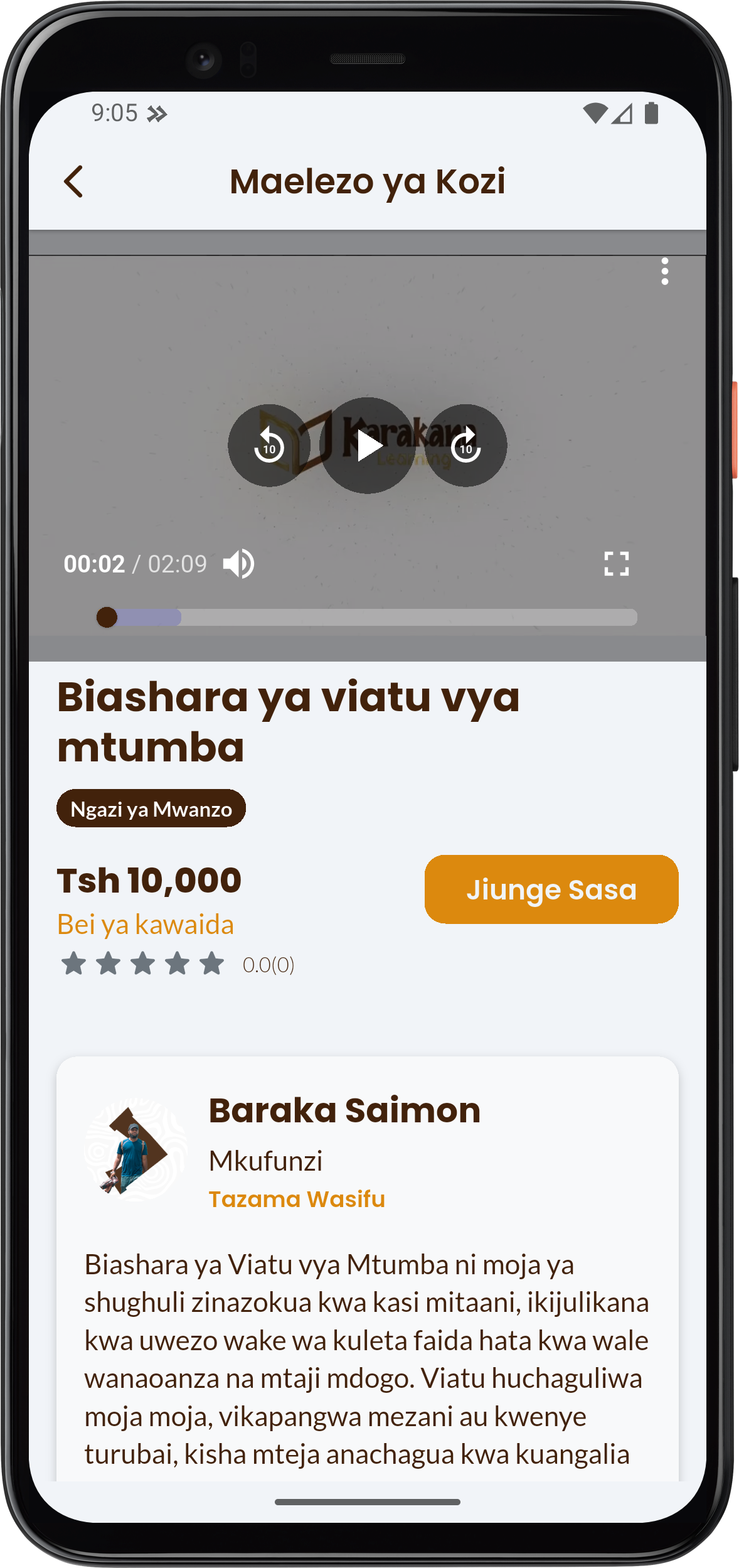
- Check the course description, price (Example: Tsh 10,000), and instructor.
- Click the Jiunge Sasa (Join Now) button on the page. This will take you to the payment screen.
Step 2: Choosing the Payment Method
The Payment (Malipo) page will show you the details of the course you are paying for, and you will be asked to choose a payment method.
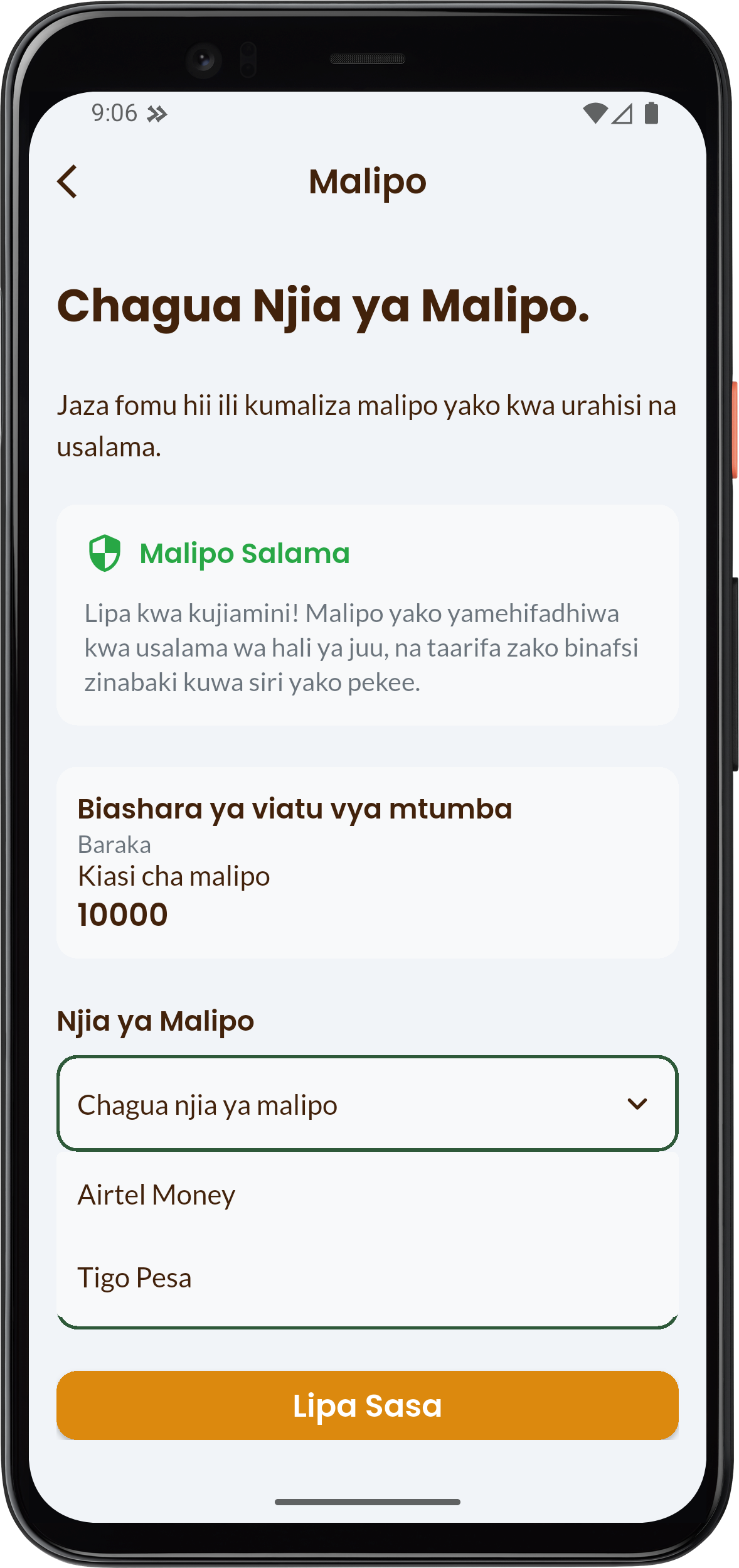
- Under the Payment Method (Njia ya Malipo) section, tap to select the mobile network you use for payments.
- You can choose Airtel Money or Tigo Pesa.
Step 3: Completing the Payment
After selecting the payment method, the section for entering the phone number will appear.
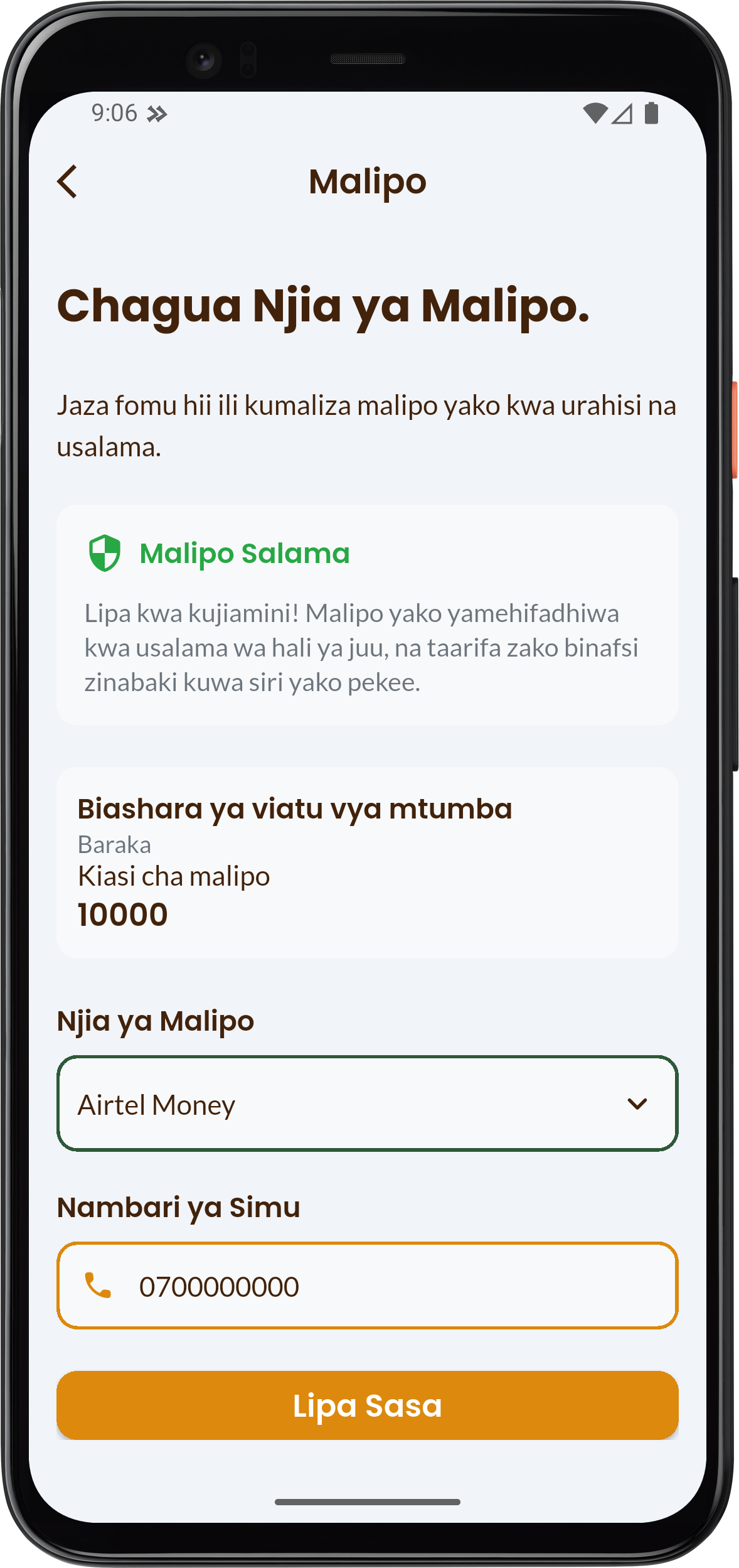
- Phone Number (Nambari ya Simu): Enter the phone number associated with the selected network that has sufficient balance.
- Click the button: Lipa Sasa (Pay Now)
After clicking Lipa Sasa, you will receive a short message (USSD prompt) on your phone requesting your PIN (Nywila) to confirm the transaction. Enter your PIN correctly to complete the payment.
Click Thibitisha malipo (Confirm Payment) to confirm your payment.
If your payment failed, please try again or contact customer support for further assistance.
Step 4: Studying
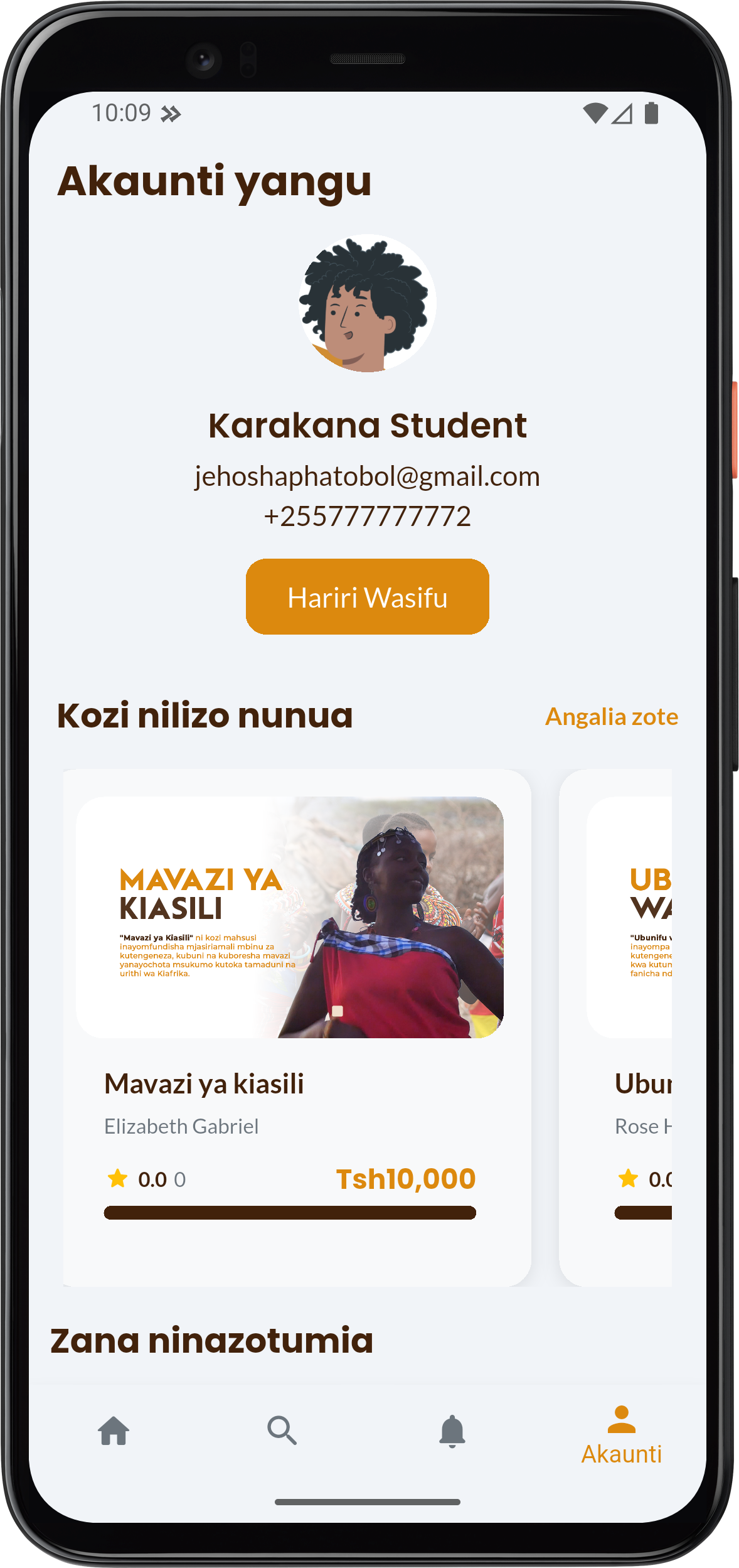
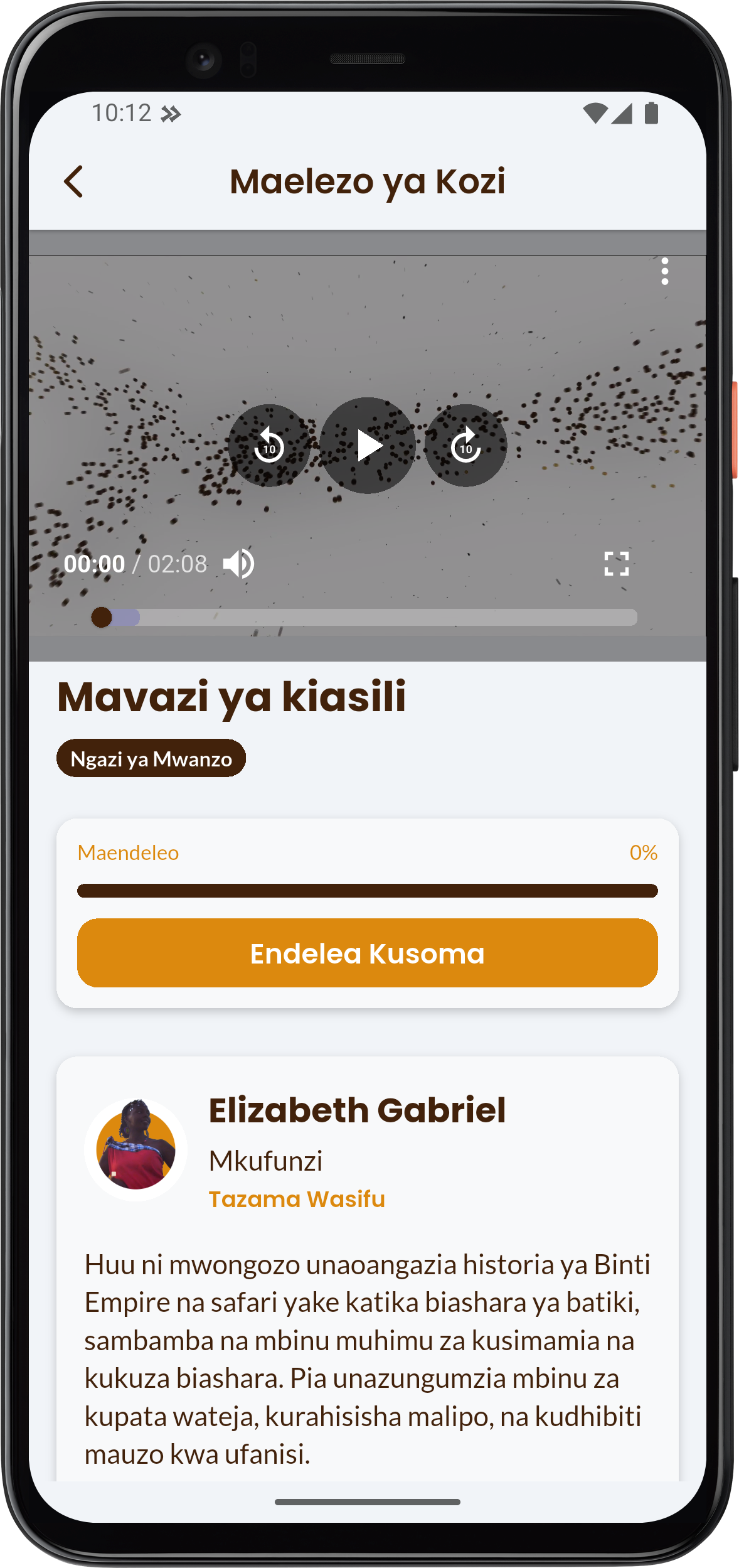
All courses you purchased are found in your accounts page (Akauti yangu). You will select a course you bought and continue studing by pressing Endelea kusoma.